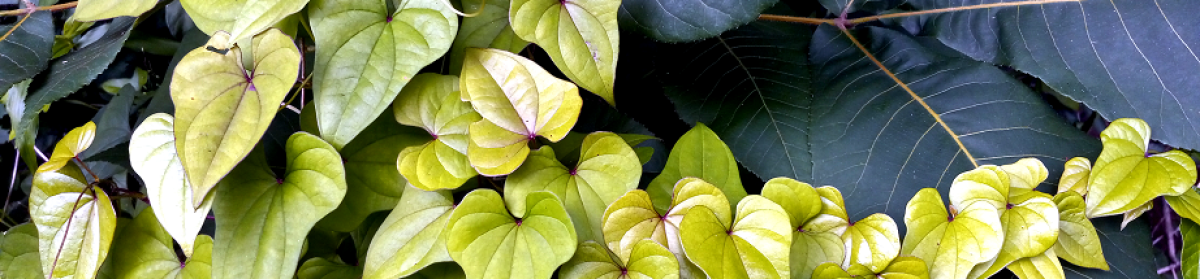
Dale offers the prompt “distortion” for this week’s Cosmic Photo Challenge.
I use the GIMP photo editor. It’s a free tool with many features I have not explored. I mainly use it to shrink the size of the image and rotate it a bit if I got the horizon wrong.
Here I am going to use the contrast feature of the editor along with cropping.
______
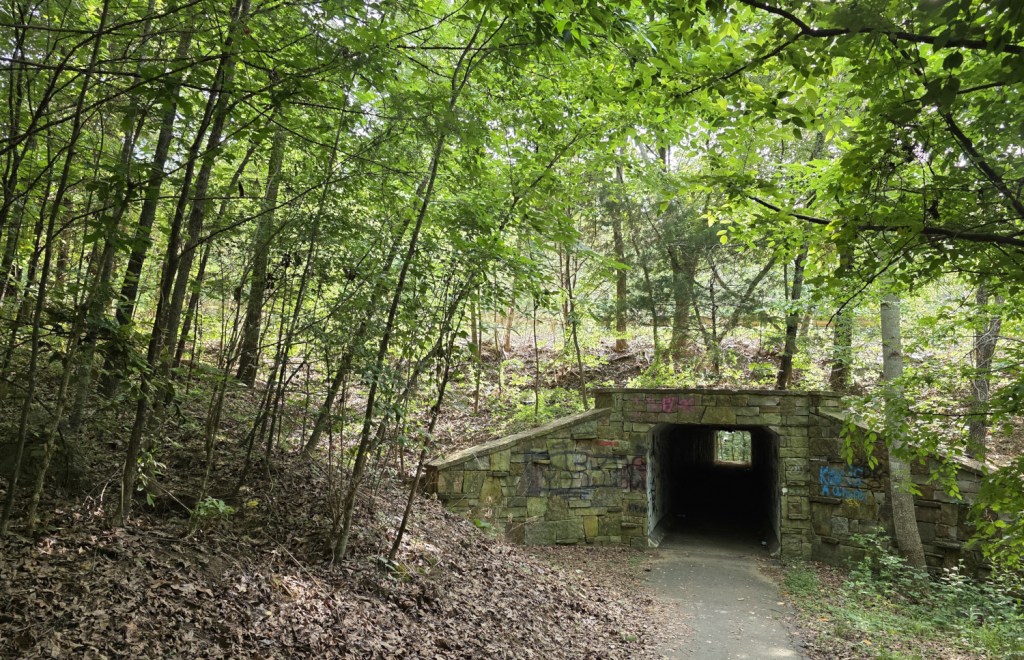
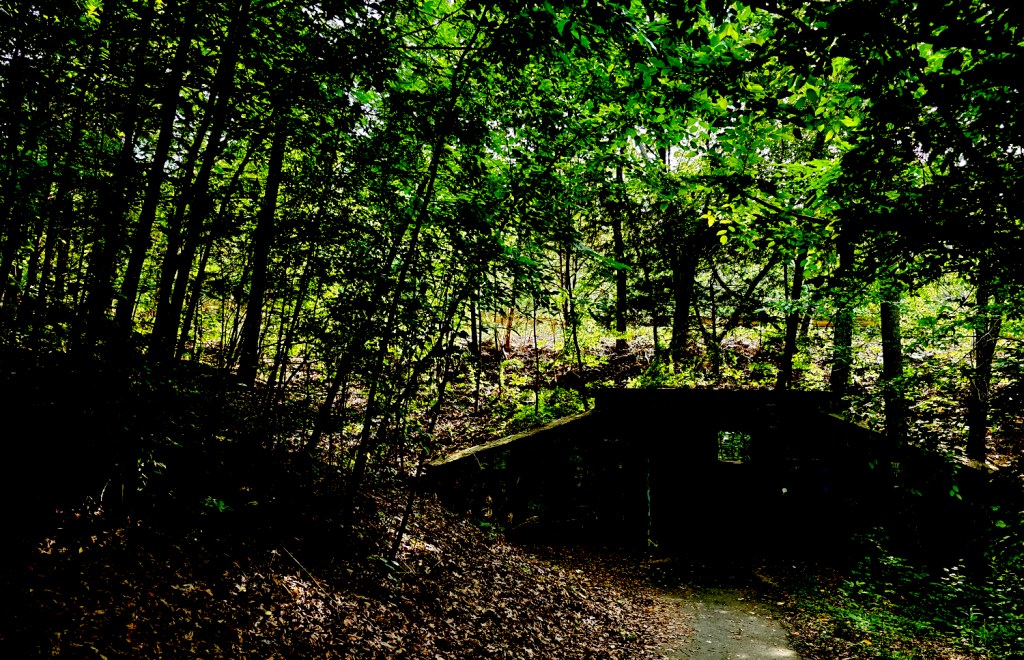
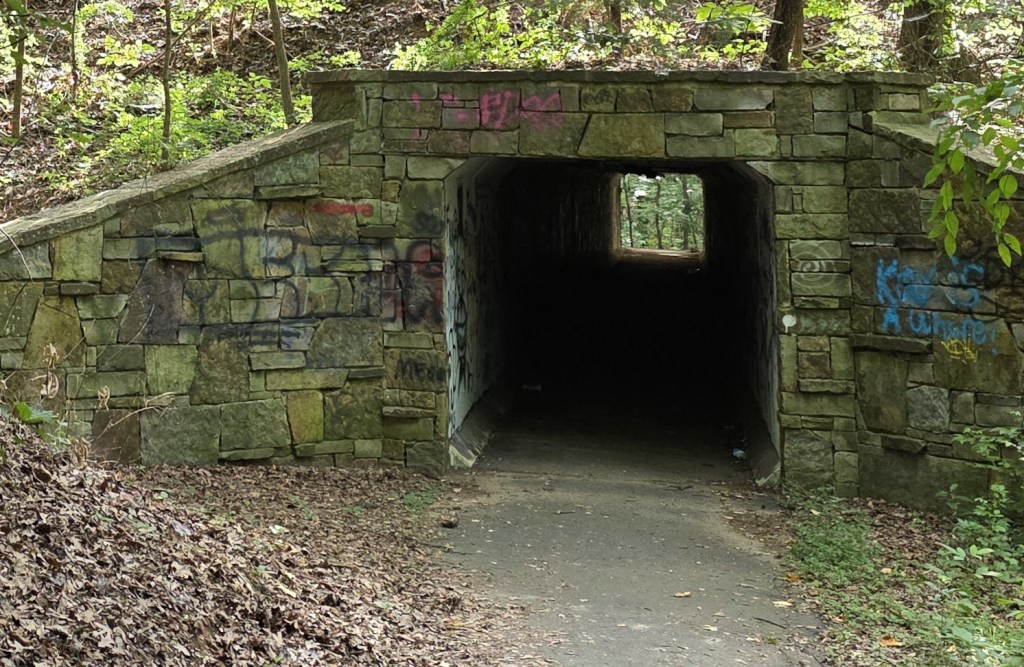
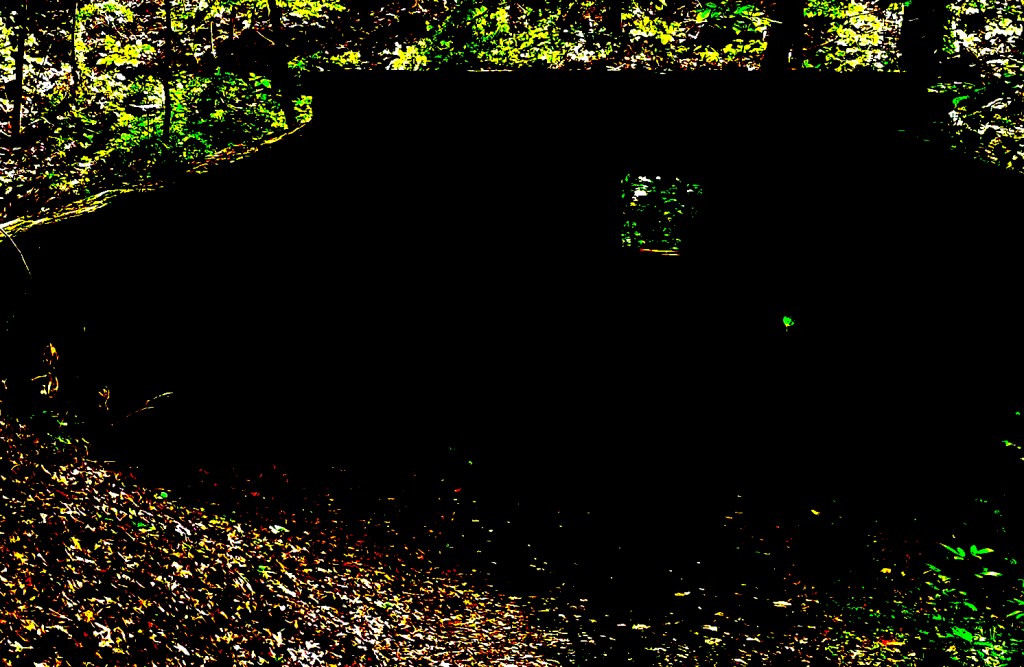


Oh yes, I really like the spooky version, nice experiment, Frank
LikeLiked by 2 people
Thank you and blessings, Dale!
LikeLike
Pretty cool tool, Frank!
LikeLike
It is far more powerful than I realize. Blessings, Kim!
LikeLiked by 1 person
Interesting pics, Frank.
LikeLiked by 1 person
Thank you, Esther! Blessings!
LikeLiked by 1 person
background music the syncopated beat from the movie Jaws
fun with photons!
LikeLiked by 1 person
I now wish I added a video with those photos. Jaws would have been perfect. Or the Trashmen’s Bird Is The Word. Blessings, Clark!
LikeLiked by 1 person
Well done!
LikeLiked by 1 person
I am glad you like these, Lisa! Blessings!
LikeLike
Nice contrasts! Fascinating tunnel!
LikeLiked by 1 person
Thank you, Jim! Blessings!
LikeLiked by 1 person
God bless
LikeLike